darkfieldby Linox Vision Lab
The Darkfield platform

We put cameras
to work.

Turn camera activity into real-time alerts, physical actions, data and insights.
No one needs to watch every feed. Your team sets the rules, reviews what matters and can take over.

darkfield✳Your network Private workspace
White van outside a managed service yard at duskYard camera
ANPR + video
Westbridge · Service yard

Set a rule.
Choose the action.

Use plain English to choose what triggers an alert or action. Your team approves the rules and decides when a person must review.

“If this bay stays blocked for ten minutes, alert the site team and open a task.”

  1. Observe

    Check the loading bay and time the obstruction.

  2. Take the agreed action

    After ten minutes, alert the team and create a task through an approved connection.

  3. Keep the record

    Record the time, clip and duration for the operations report.

Illustrative workflows. Your team approves the actions before activation and can change the rules.

Get alerts.
Find the answers.

Review alerts, search clips and use activity records to understand what is happening across your sites.

01 Connect

Connect cameras.
Start useful work.

Connect Darkfield units and compatible existing cameras. Turn activity into alerts, actions and records across your authorised network.

  • One site or many
  • Video, number plates and aerial views
  • You control access
darkfield ✳Connected site
Main entrance Vehicle access Service yard
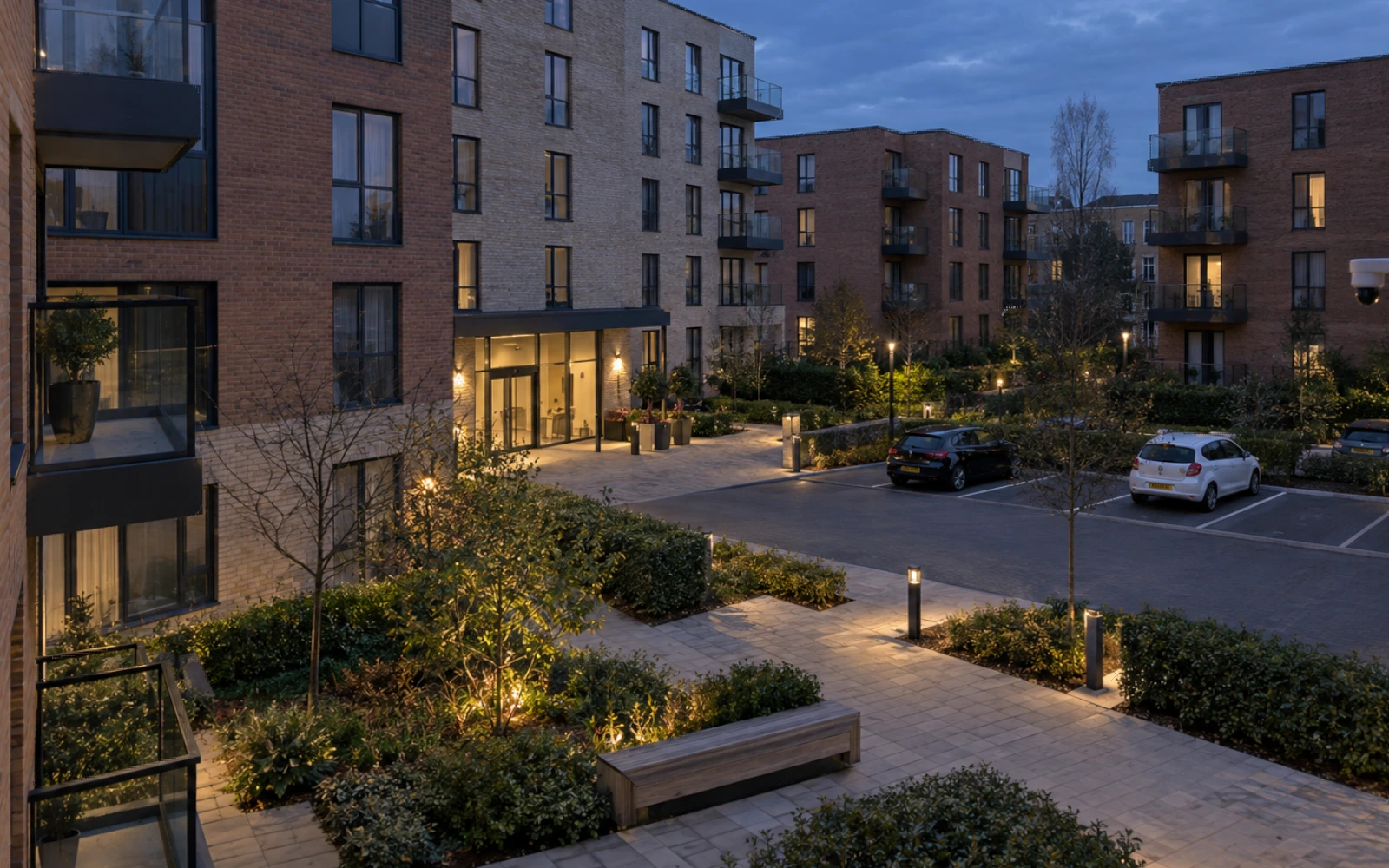
Apartment courtyard connected to the site overview Courtyard camera
One workspace
02 Find

Describe it.
Find the footage.

Search retained footage and live observations with a description or number plate. Filter by time, site and camera.

  • Search in plain English
  • Vehicle colour and visible details
  • Possible matches for review
darkfield ✳Visual search
White van near the service yard
Camera footage available for comparison
White van candidate at the service yard Possible visual match
WhiteHigh-roof vanService yard
03 Understand

Turn sightings
into insights.

Link sightings across your authorised sites to spot repeat visits and activity patterns. Check the source clips before drawing conclusions.

  • Your authorised watchlists
  • Sightings linked to source footage
  • Records for reports and handovers
darkfield ✳Incident review
SK26 NETRelated activity
White van and its rear number plate outside the service yard
  1. 31 August

    Vehicle seen near a fly-tipping report.

  2. 14 September · 19:42

    New sighting at your service yard.

  3. Your team reviews the match

    Compare the images. Review the context.

White van at a private service yard
Your vehicle watchlist

A watchlist alert.
The clip attached.

SK26 NETService yard
14 September · 19:42

Get the alert.
See what triggered it.

Get alerts with the clip and rule attached. You choose the watchlists, zones and hours that matter.

  • Possible vehicle watchlist matches
  • Activity in restricted areas
  • After-hours activity and dwell time

Review possible matches before making consequential decisions.

Your rules.
Your control.

Choose who can access each site, record and action. Cross-site search stays within your authorised network.

People review uncertain matches and consequential decisions. Authorised operators can take over, with an audit trail of activity.

Deployment, access and data control
Service yard
Residential
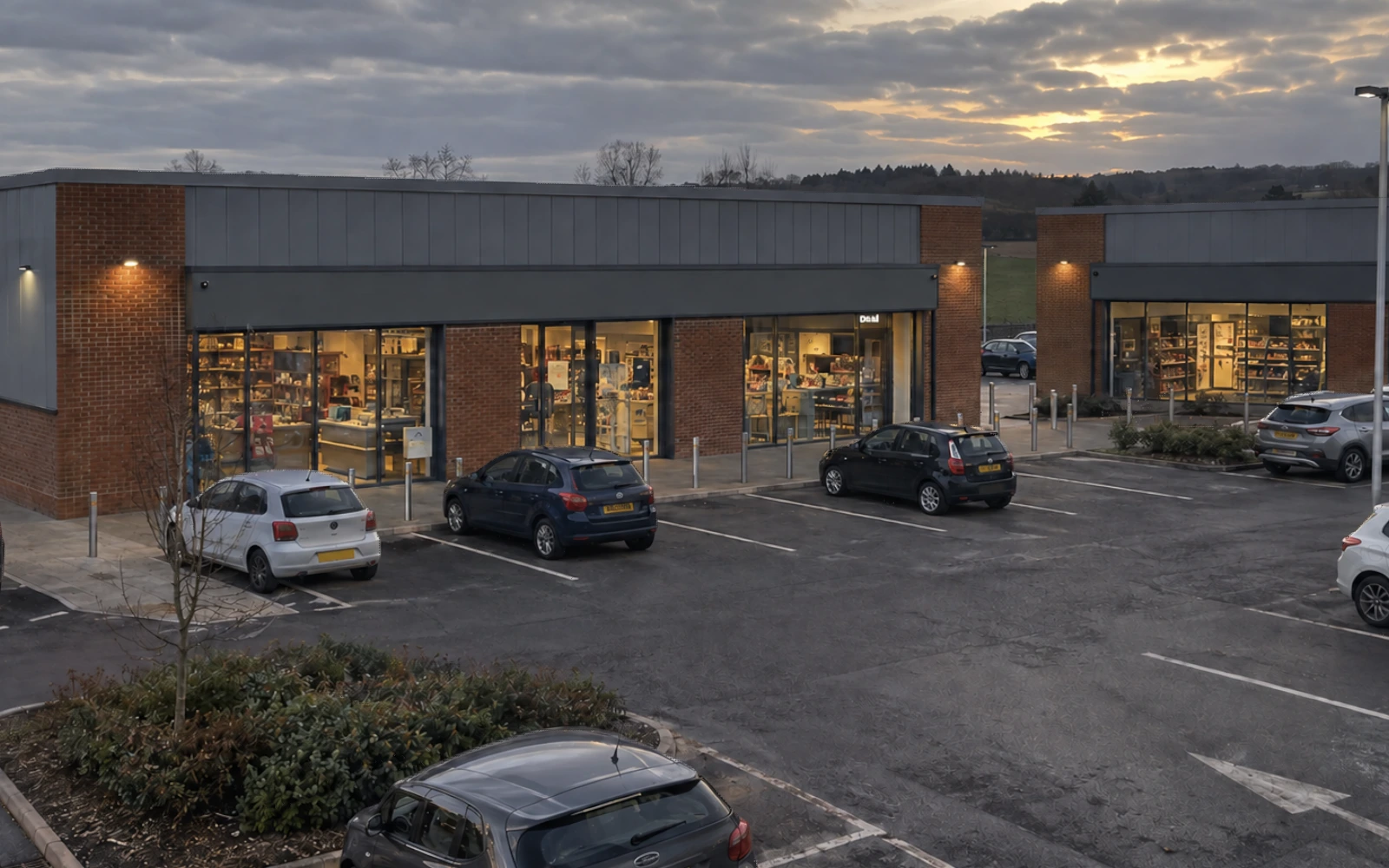
Retail park
  • Set access across assigned sites
  • Authorise rules and integrations
  • Set retention policies

Send results
to your systems.

Use approved connections to create tasks, update reports and send data to dashboards. You choose what Darkfield may read, write or trigger.

Use your site data

Check activity against authorised watchlists, staff rosters and delivery schedules.

Turn events into useful records

Send event times, durations and observations to agreed reports, tasks and dashboards.

Approve each connection

We check each connector, permission and workflow before activation. Supported MCP connections use agreed read and write access.

Choose where
Darkfield runs.

Choose hosting, camera connections and how long to keep records.

Your infrastructure or ours

Run Darkfield on your premises or in your private cloud. Or choose managed hosting on a dedicated, isolated UK instance.

Up to a week of local recording

Configured Darkfield solar/4G units buffer locally for up to one week with power and enough storage. Remote services need connectivity.

Keep records for your needs

Events and evidence clips stay for 30 days by default. Longer retention, including years, needs agreed storage, purpose and costs.

Compare hosting, resilience and retention

FAQs

Quick answers to help you plan.

Browse all FAQs

Software

Can we describe a task in plain English?

Yes. Say, for example, “Alert the team when a loading bay is blocked for ten minutes”; we agree the cameras, timing, exceptions and action before activation, and your team can review clips, change the rule or pause it.

Can Darkfield connect to the systems we already use?

Darkfield connects to supported systems through MCP (Model Context Protocol). We agree each system, data flow and permitted action—including separate read/write access and any approval step—before setup; compatibility is checked for your deployment.

Can I use Darkfield with existing IP cameras?

It depends on the camera model: reliable plate capture needs specialised cameras, and some models have limited integration options. Send the make and model so we can confirm supported features.

Who controls what Darkfield is allowed to do?

You set the sites, users, rules and permitted actions. Role-based access and audit logs support oversight. Authorised operators can pause or override the system. Review visual matches; they do not confirm identity.

Technology

What do Darkfield cameras actually capture?

Cameras capture people, vehicles and readable plates; Darkfield searches visible details and activity, such as standing by a wall or spraying graffiti. Clothing, vehicle features and colours depend on the view and lighting, and a visual match is not proof of identity.

How does Darkfield get better?

Your feedback helps Darkfield recognise routine arrivals, deliveries and other site activity. Confirm an event or correct a decision to help reduce repeated unnecessary alerts.

Value

What is included in the subscription?

The supplied-camera service covers survey, installation, cameras, software, maintenance and faulty-camera replacement. Your proposal sets hosting, integrations and storage charges; mobile security is an optional add-on, charged per genuine-incident call-out, and keyholding is separate.

Why a subscription rather than a one-off camera purchase?

The camera subscription keeps the network working after installation, covering connection, software, maintenance and camera replacement. Your proposal sets out hosting, integration, storage and optional response costs.

How should we compare the cost with traditional CCTV?

Compare equipment, installation, monitoring, servicing, repairs and replacement, without counting staff time already covered by monitoring twice. Our calculator compares camera-service costs; hosting, integrations, storage and optional response are scoped separately in your proposal.

Can we start with one problem and expand later?

Yes. Start with one entrance, car park or recurring problem, then add coverage as your needs grow. We assess each location without asking you to replace everything.

Implementation

What happens when we sign up?

One point of contact helps you agree cameras, hosting, recording, access and permitted actions. We install and test any supplied cameras, then your team reviews the rules and approval steps before activation.

Who installs the cameras and chooses the positions?

We handle survey, installation and sign-off. We agree the views and mounting points with you, starting with entrances, exits and the areas that need attention.

Do you need mains power or access to our IT network?

Our solar site cameras use LTE, without new power cables or access to your IT network; we check daylight, mobile coverage and mounting first. Doorbells, drone docks and other equipment have separate requirements confirmed in your site plan.

Do I need to be there for installation?

No. We agree access and camera positions beforehand and tell you when the installers will arrive; you are welcome to meet them.

What happens after the cameras are installed?

We check views, image quality, charging and connection, and adjust camera positions where needed. Billing and user access begin after validation; maintenance and replacement cover starts at installation.

Operations

What happens if a camera breaks, is damaged or is stolen?

We monitor camera health and send a team member when an on-site fix is needed. Maintenance and replacement of faulty, damaged or stolen cameras are included in the service.

Who gets notified when something happens?

You choose the contacts and response rules during setup. Darkfield can save the event, alert your team or dispatch mobile security under the agreed workflow, with clips, times and location attached.

Can Darkfield send security to a site without a guard?

Yes. Add mobile security response to Darkfield AI monitoring. A patrol can be dispatched automatically or after a check, depending on your agreed workflow. Coverage spans 99.8% of UK postcodes. We confirm local cover and response arrangements for your address before activation. For covered sites, the target is arrival within 10 minutes of dispatch; arrival is not guaranteed. Traffic, weather and incident conditions can affect it.

How do we learn to use Darkfield?

Ask the Darkfield assistant for everyday tasks. Videos, guides and training through your point of contact help your team use more advanced features.

Who do we contact for help?

Contact your Darkfield point of contact for help with cameras, software or the service. They know your site and can bring in the wider team.

Security

Who can see our footage and incident records?

Only authorised users can see footage, with access limited by site and role and supported by audit logs. You set permissions for your team, support and integrations; sharing one incident does not give access to the rest of your cameras.

How long does Darkfield keep data?

Events and short evidence clips stay for 30 days by default. Keep recordings, events and evidence for years where needed, with an agreed purpose and enough storage. Continuous recording, capacity, retention and costs are set per deployment. Search covers retained footage and observations; years of storage are not included in every plan.

Where is the data stored, and is it secure?

Run Darkfield on your premises or in your private cloud. Or choose managed hosting on a dedicated, isolated UK instance. We agree storage locations and outbound connections; data is encrypted in transit and at rest, with access for authorised users only. See the Security Whitepaper for details.

How does Darkfield approach data protection?

Darkfield supports UK GDPR and the Data Protection Act 2018; Linox Ltd is ICO-registered under ZC175057, which is not certification of your installation. The DPA sets out our responsibilities and yours, including camera purpose, notices, access and retention.

Can we share an incident with police or community protection teams?

Yes. Share a report with relevant clips, times and an incident summary with authorised recipients, including police, without opening access to every camera; supported sharing links have access controls and expiry.

Put your cameras
to work.

What should your cameras do? We’ll help plan the alerts, actions and records your team needs.

Discuss your deployment